MVP & RD Summit 2023
Time
Dec 2022 - Mar 2023
My role
Lead Product Designer
Team
1 Principal PM manager
1 Event program managers
1 3D graphic designer
Dev team
Keywords
Strategic thinking
Vision work
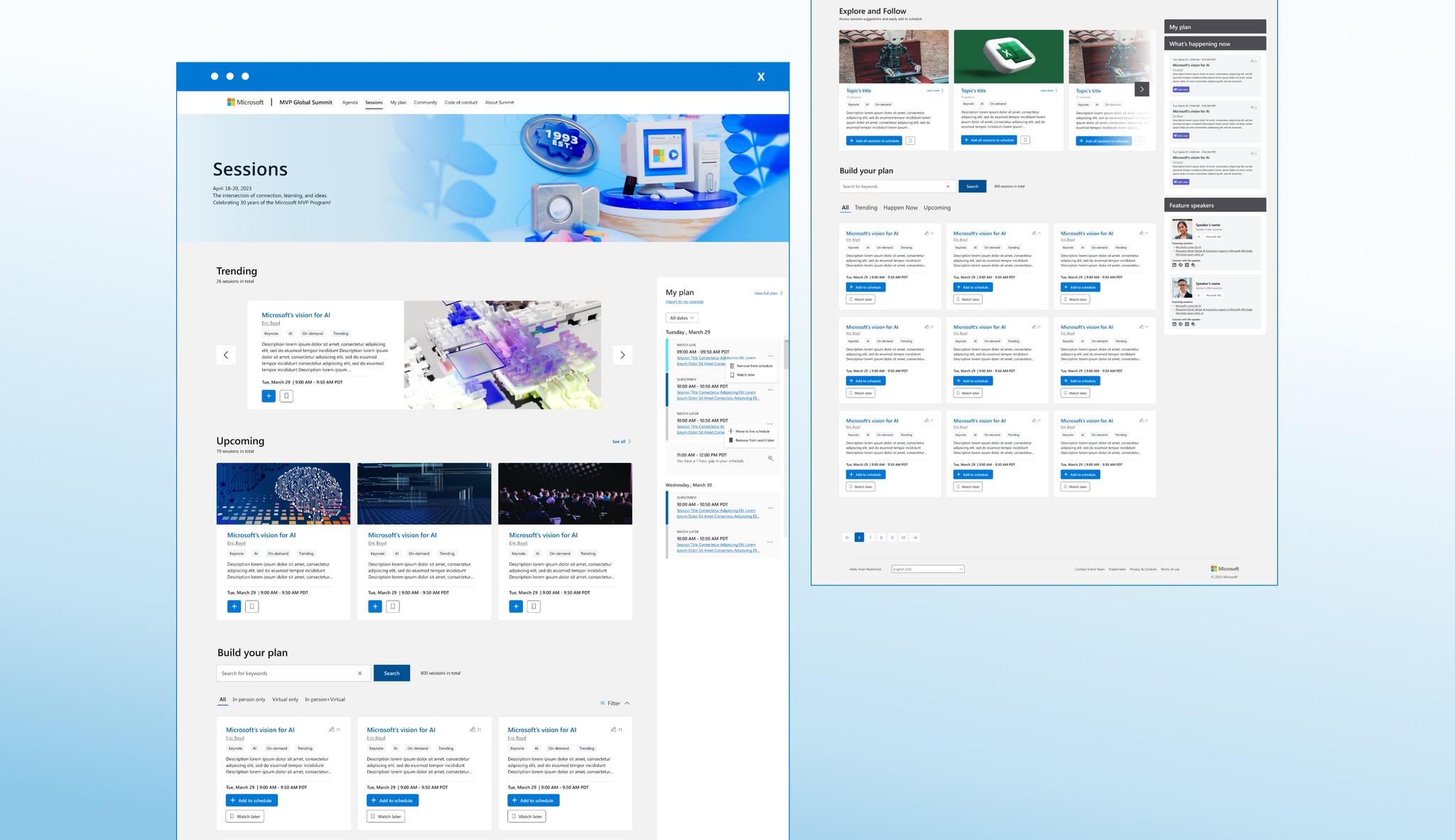
**Due to NDA restrictions, I’m only able to share mockup screens. Real session titles, speaker names, and detailed content have been removed to protect confidential event information.
Background
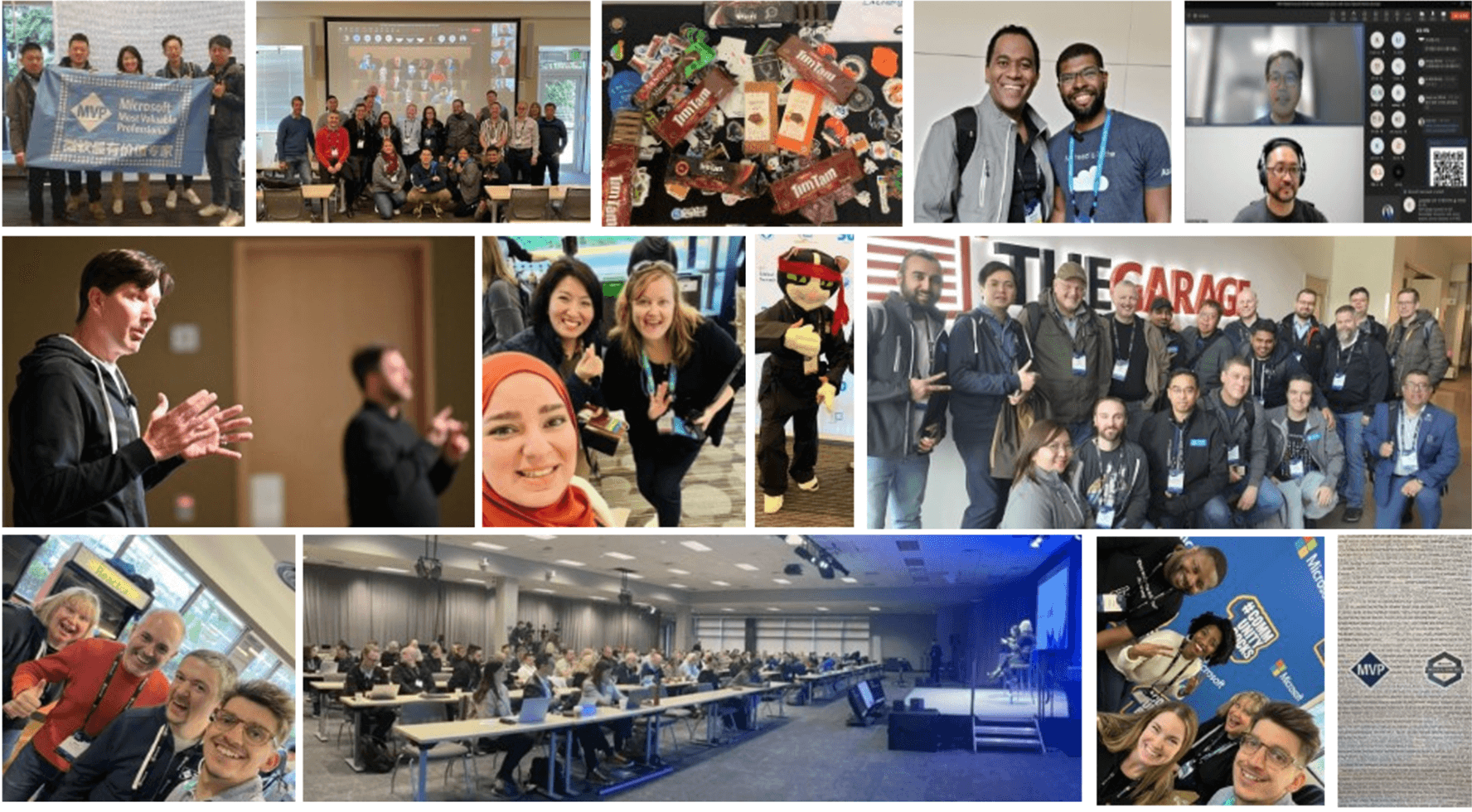
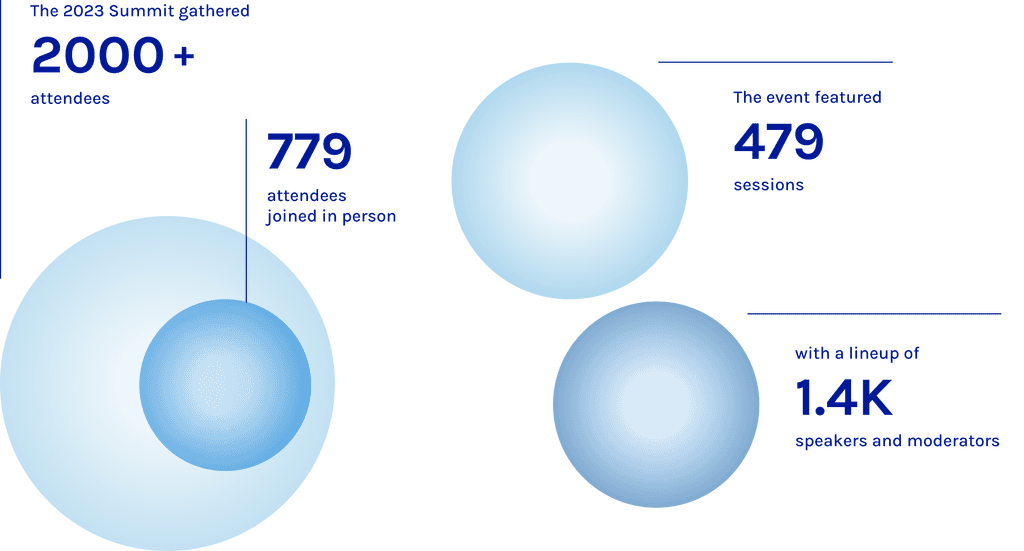
The three-day event provided rich opportunities for learning, networking, and collaboration in a hybrid environment that catered to participants worldwide.
Problem statement
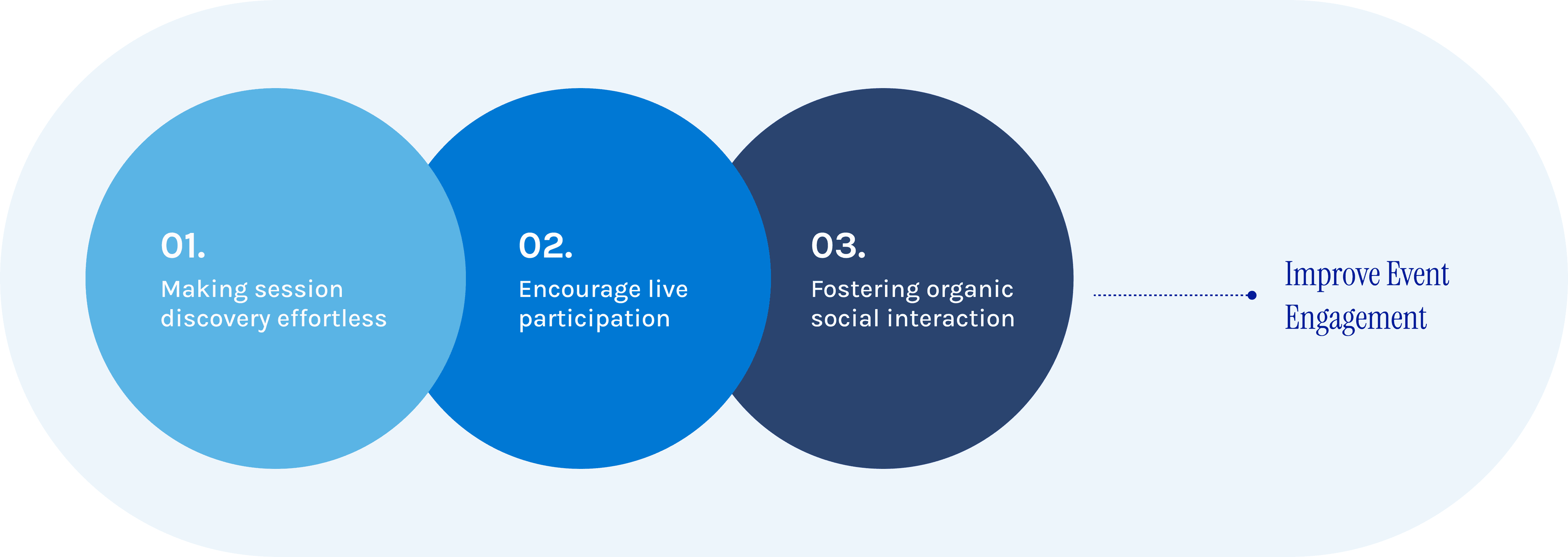
Design goals
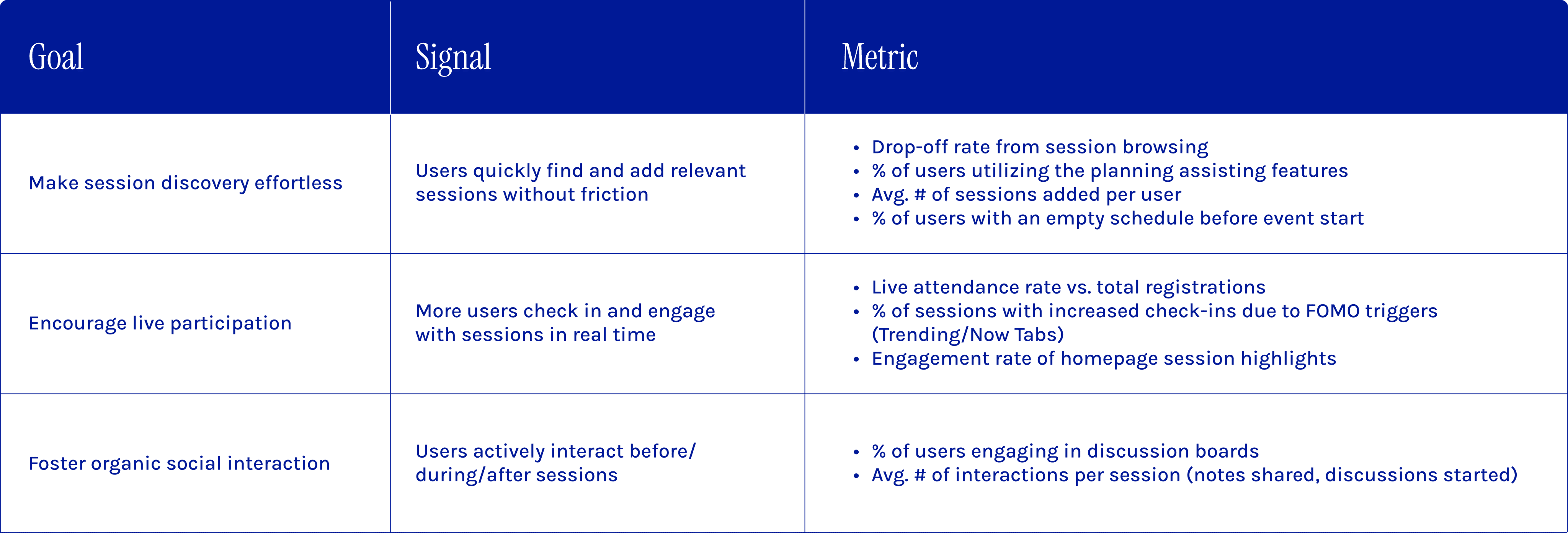
Metric of success
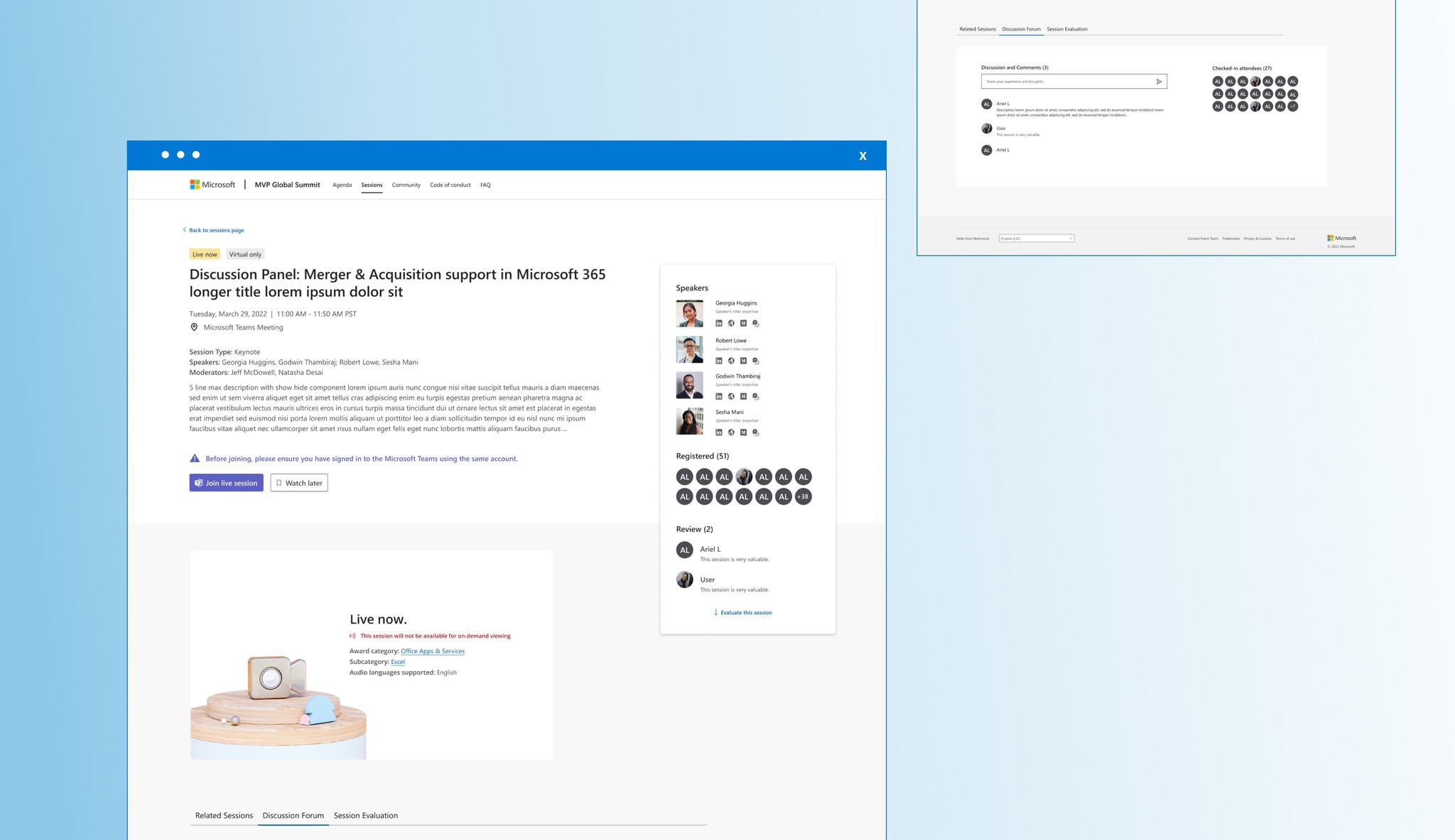
Recap
The good, the bad, and the unexpected…
Last year, we focused on improving navigation usability and functionality to help attendees manage their schedules more efficiently. We introduced the Watch Later feature, enhanced filters, and a full-screen planner—all of which received overwhelmingly positive feedback and saw high adoption rates. We expected these improvements to streamline planning and drive engagement.
It was clear that while navigation had improved, engagement and connection required a deeper rethink.

Discover
What did MVPs really miss?
So here’s the thing—I had never actually attended the MVP & RD Summit in person before.
Without firsthand experience to guide my design choices, it was like being asked to bake a cake when you’ve never even tasted one. I needed to dig deeper to understand what MVPs and RDs truly loved about the Summit—and, more importantly, what they missed when it went virtual.
Time and resources were limited, so I couldn’t just pop in for a chat with MVPs and RDs. Instead, I turned to blogs, social media, and everything I could find about past MVP Summit experiences.
Here’s what I uncovered:
Attendees cherished the chance to explore the Microsoft campus.
Networking and spontaneous conversations during breaks were major highlights.
Sessions with industry experts were invaluable.
Connecting with MVPs from around the world and having discussions with product managers made a significant impact.
Post-session card exchanges and idea-sharing were deeply appreciated.
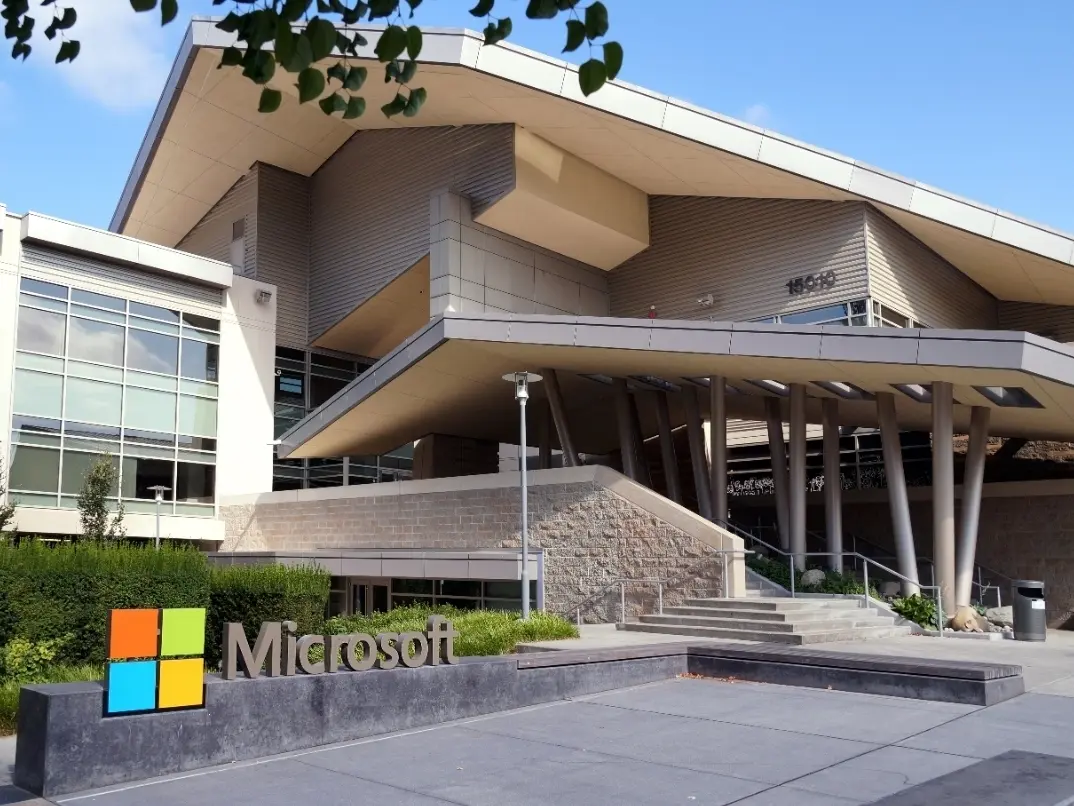
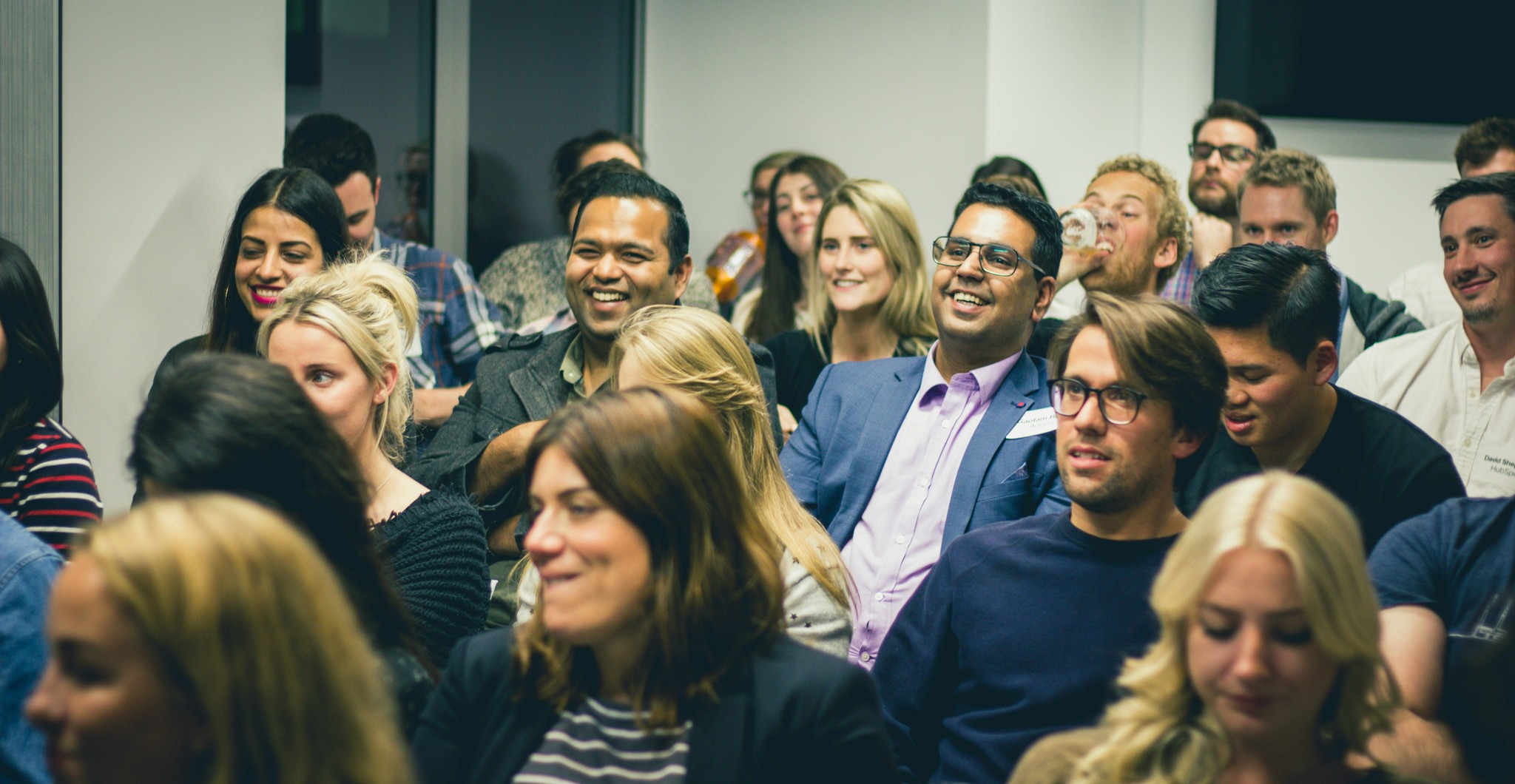
These insights gave me the clarity I needed: the Summit wasn’t just an event—it was a community experience. And in the virtual setup, we hadn’t quite captured that organic, human connection that made the in-person version so unforgettable.
Define
So..the core challenge is?
In my design process, I prioritize clearly defining the problem to ensure that solutions directly address real user needs. For the MVP Summit, the biggest engagement challenges emerged at different stages of the event:

Pre-event_
Ineffective Session Discovery
Users struggled to build their schedules due to friction in finding relevant sessions. Without clear guidance, they had difficulty discovering sessions that matched their interests.

The Watch Later feature, while useful for planning, unintentionally lowered real-time participation. Without a sense of urgency or compelling reasons to join live, engagement in sessions declined.
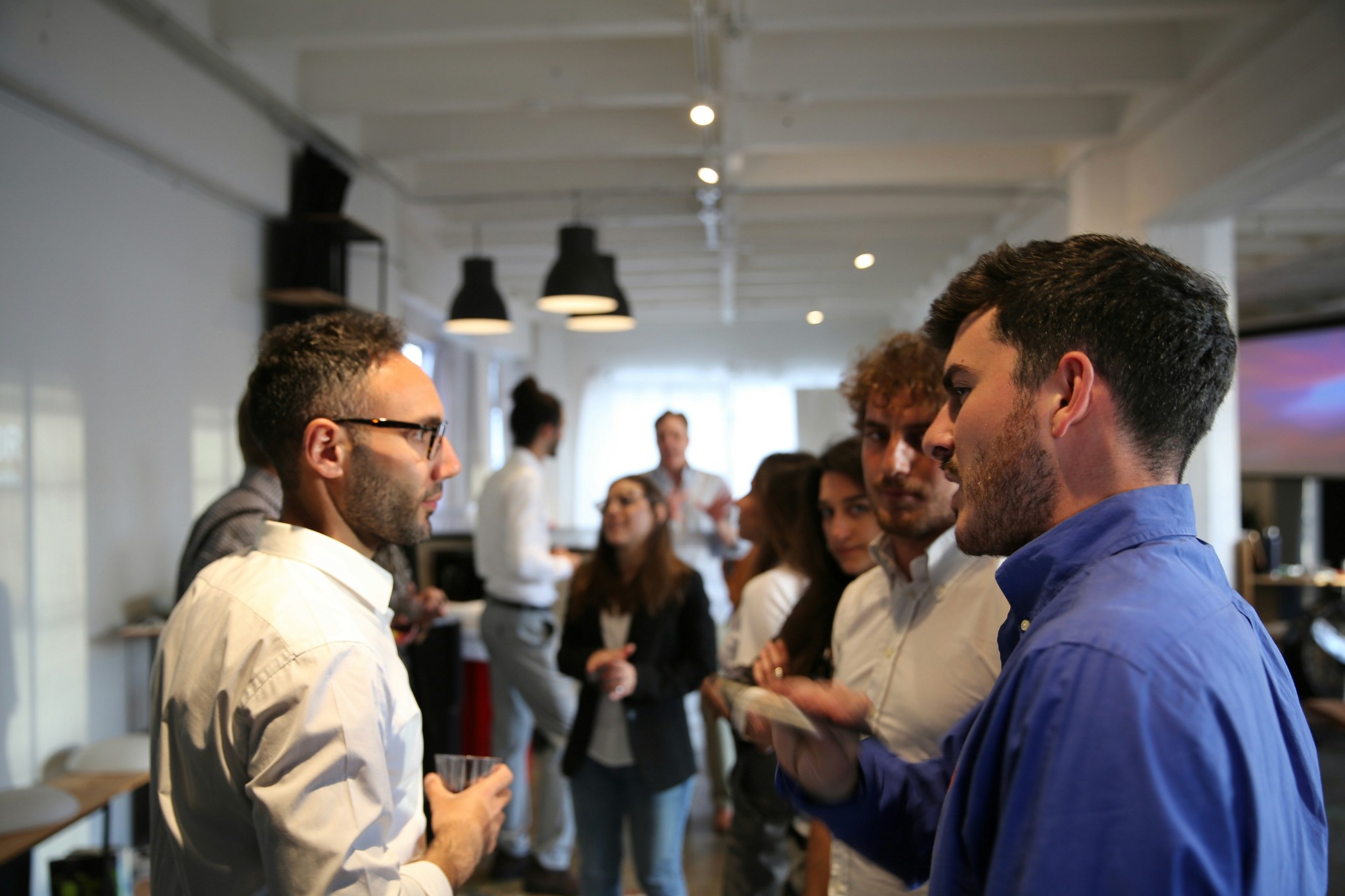
The virtual format failed to recreate organic networking, leaving attendees without the impromptu conversations and meaningful connections that made the in-person Summit so valuable.
Each of these issues pointed to one core challenge: driving meaningful engagement in a hybrid event.
Research
Cracking the code!
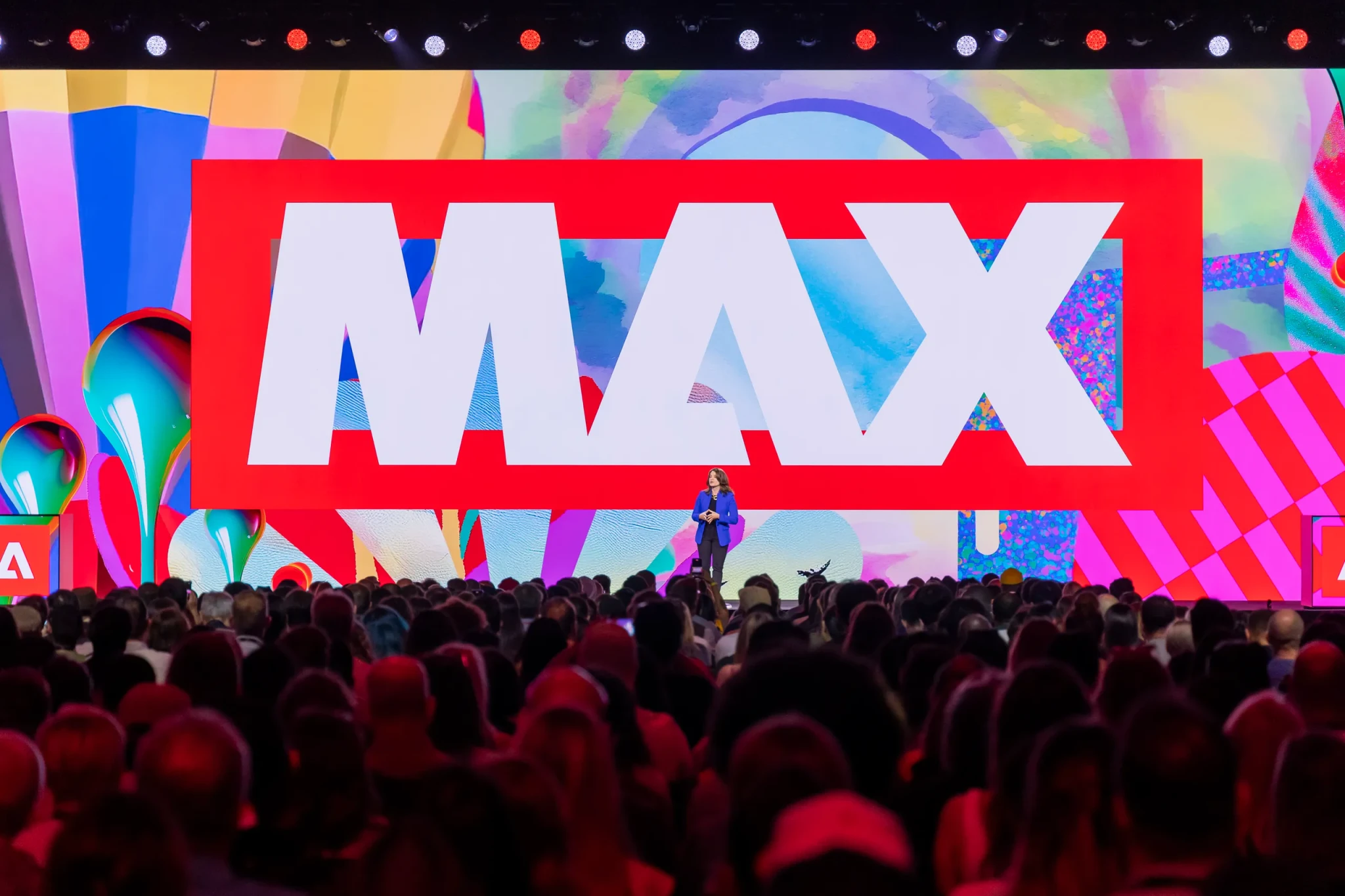
After 2020, I suspected that many technical conferences faced similar engagement challenges. To validate this, I looked beyond the MVP Summit and examined Adobe MAX, an annual design conference with a long history and a massive global audience. My goal was to understand how they adapted to a virtual format and what strategies they used to keep attendees engaged.
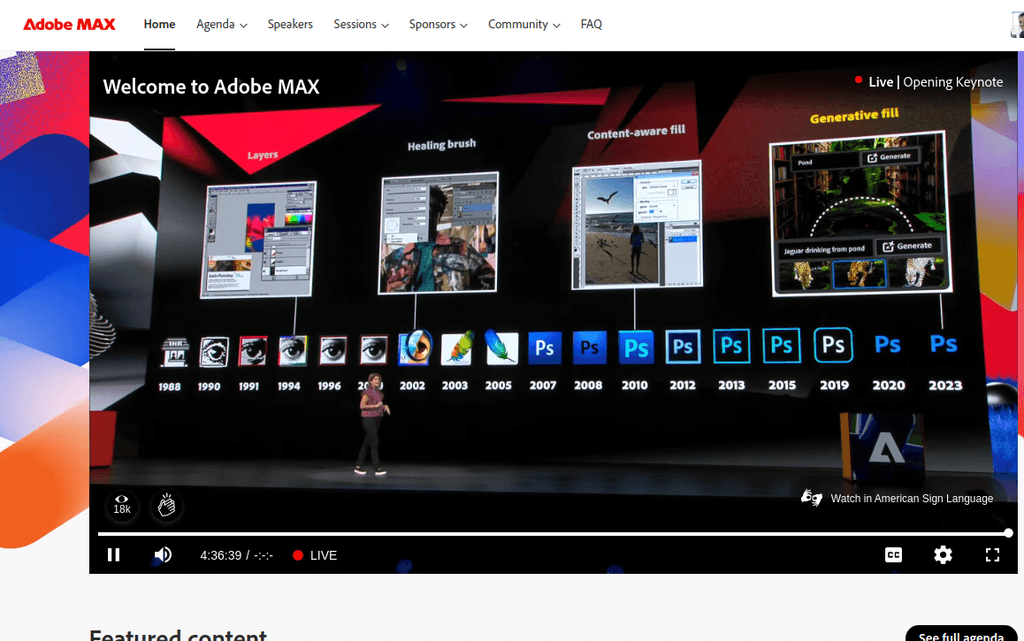
Here’s what I discovered:
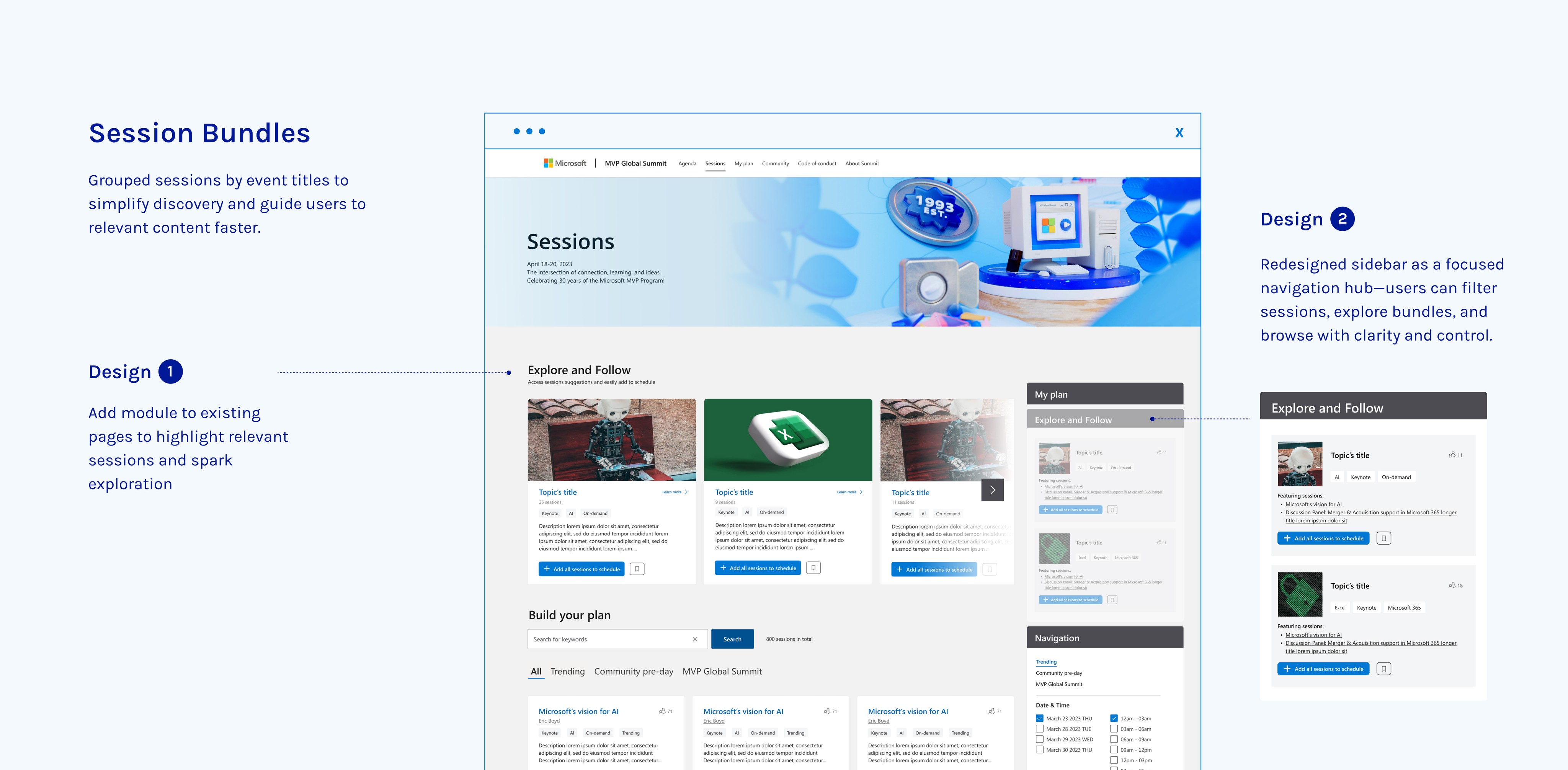
Bundling sessions by topic or skill path
Grouped sessions by themes, making it easier for users to discover content aligned with their interests.
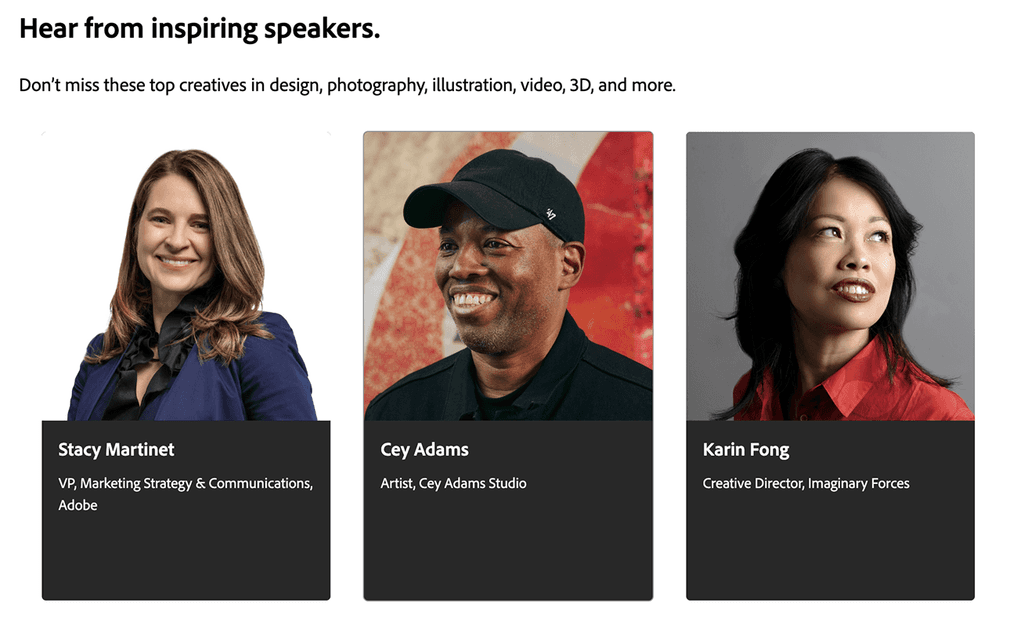
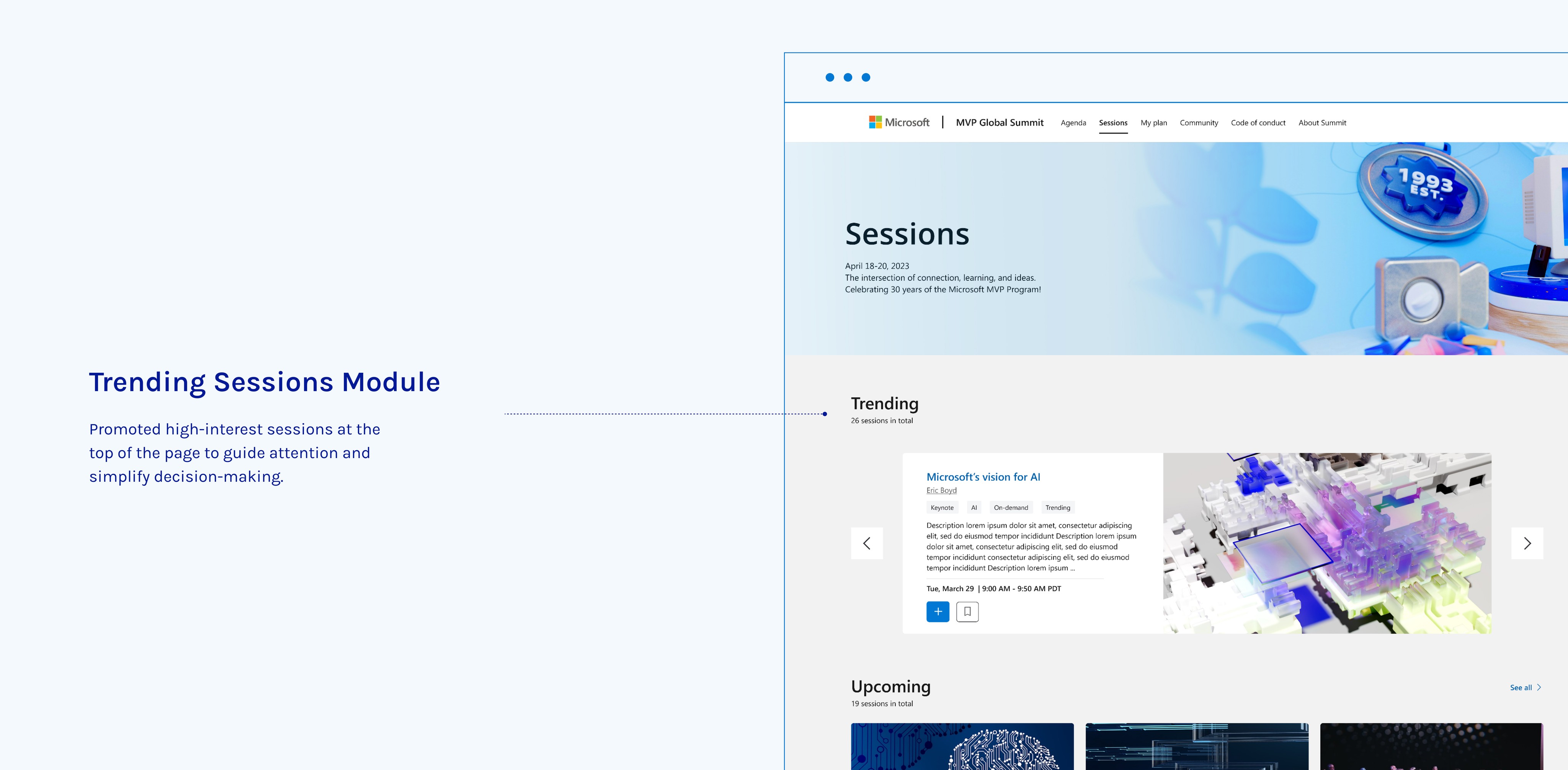
Promoting featured speakers ahead
Built anticipation, helping attendees plan ahead and ensuring higher participation in live sessions.
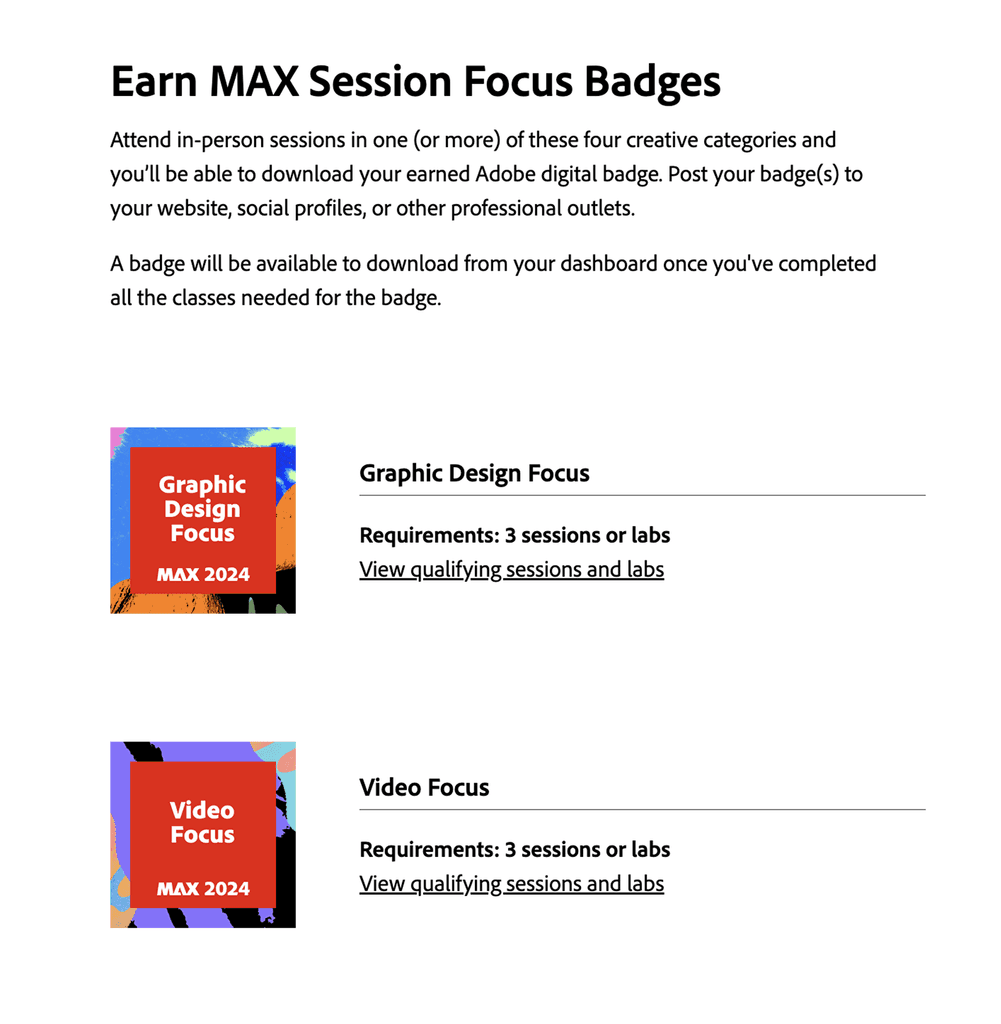
Offering badges for social sharing
Had badges to share on social media, creating a sense of accomplishment and encouraging community-driven excitement.
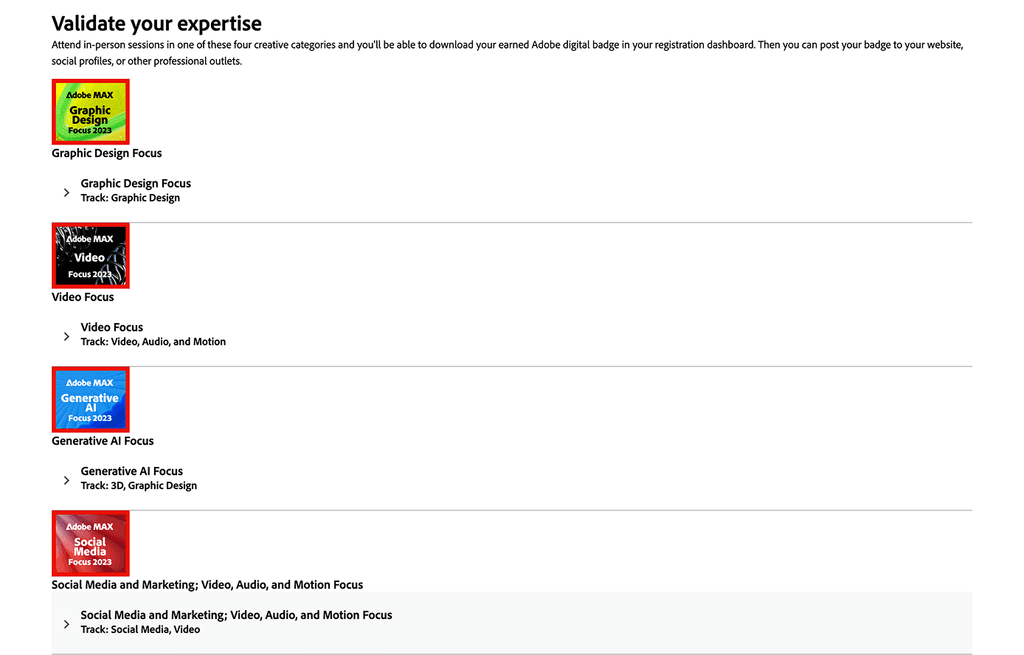
These strategies were effective in their own way, but how could they be tailored to fit the unique nature of the MVP Summit?
Ideate
Turning problems into possibilities.
With these challenges, goals laid out and insights from Adobe MAX fresh in my mind, I started brainstorming.
I envisioned a smarter, more intuitive way for attendees to plan and engage—one that solved immediate pain points while paving the way for a more seamless and connected event experience.
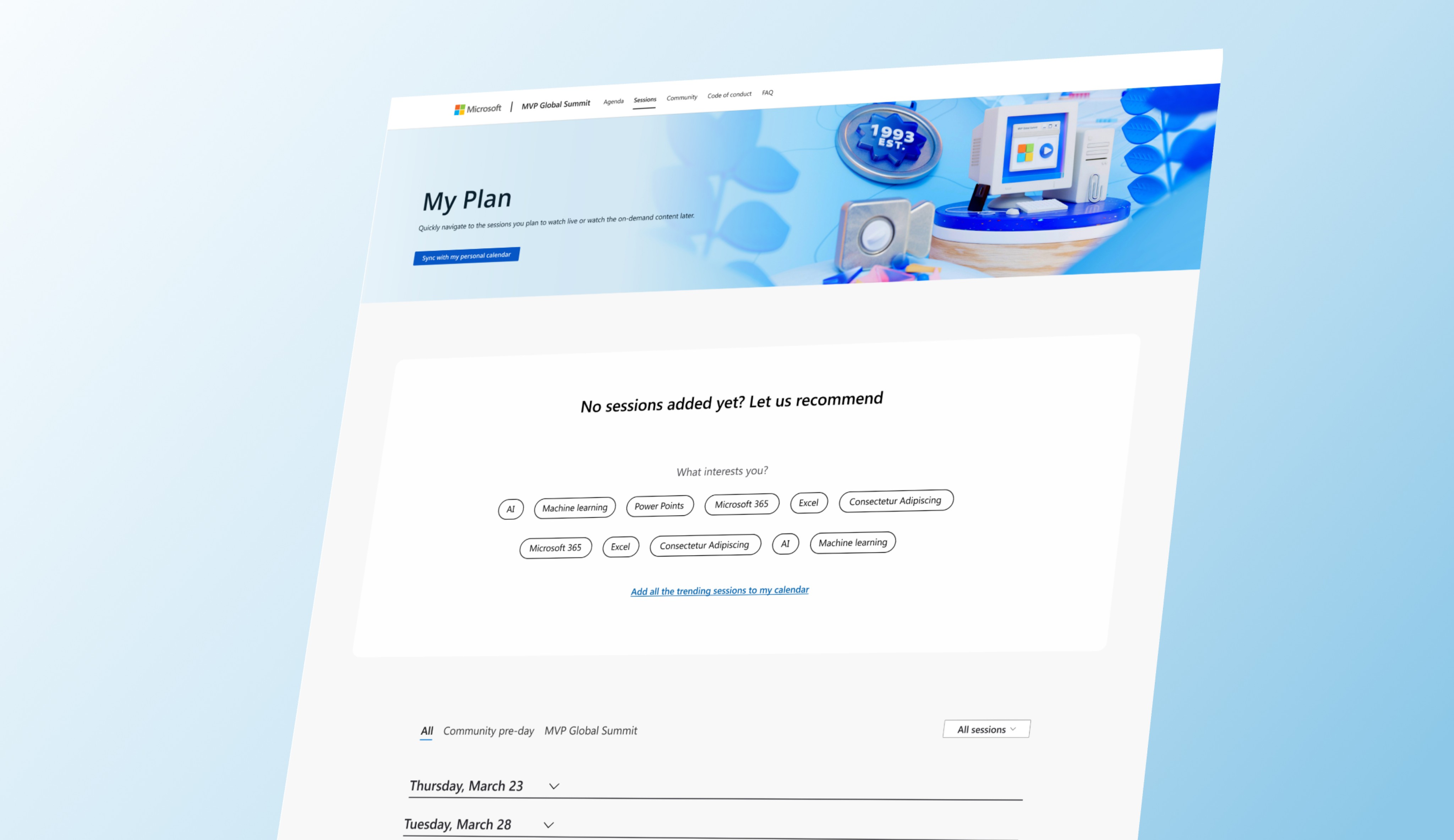
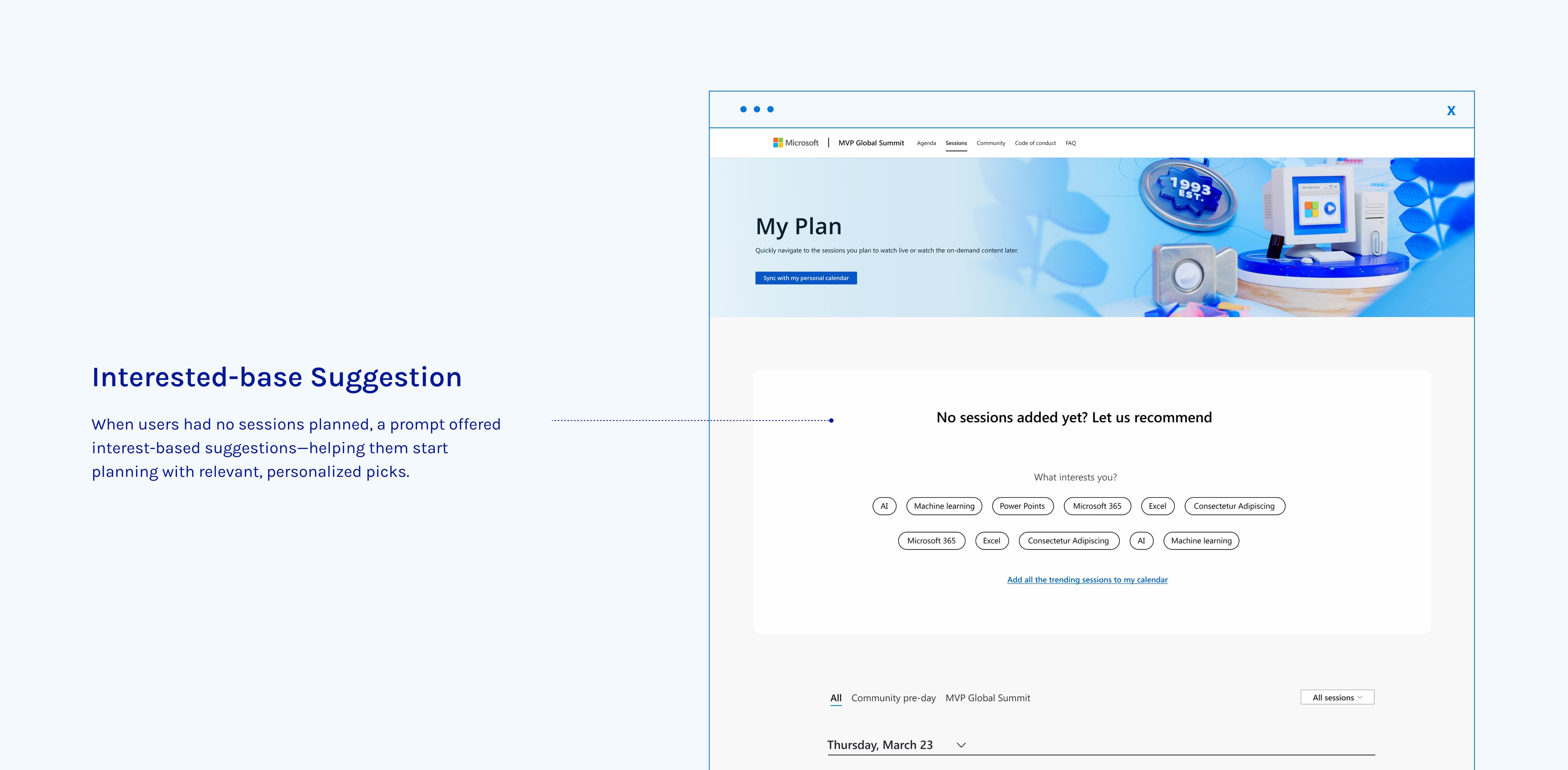
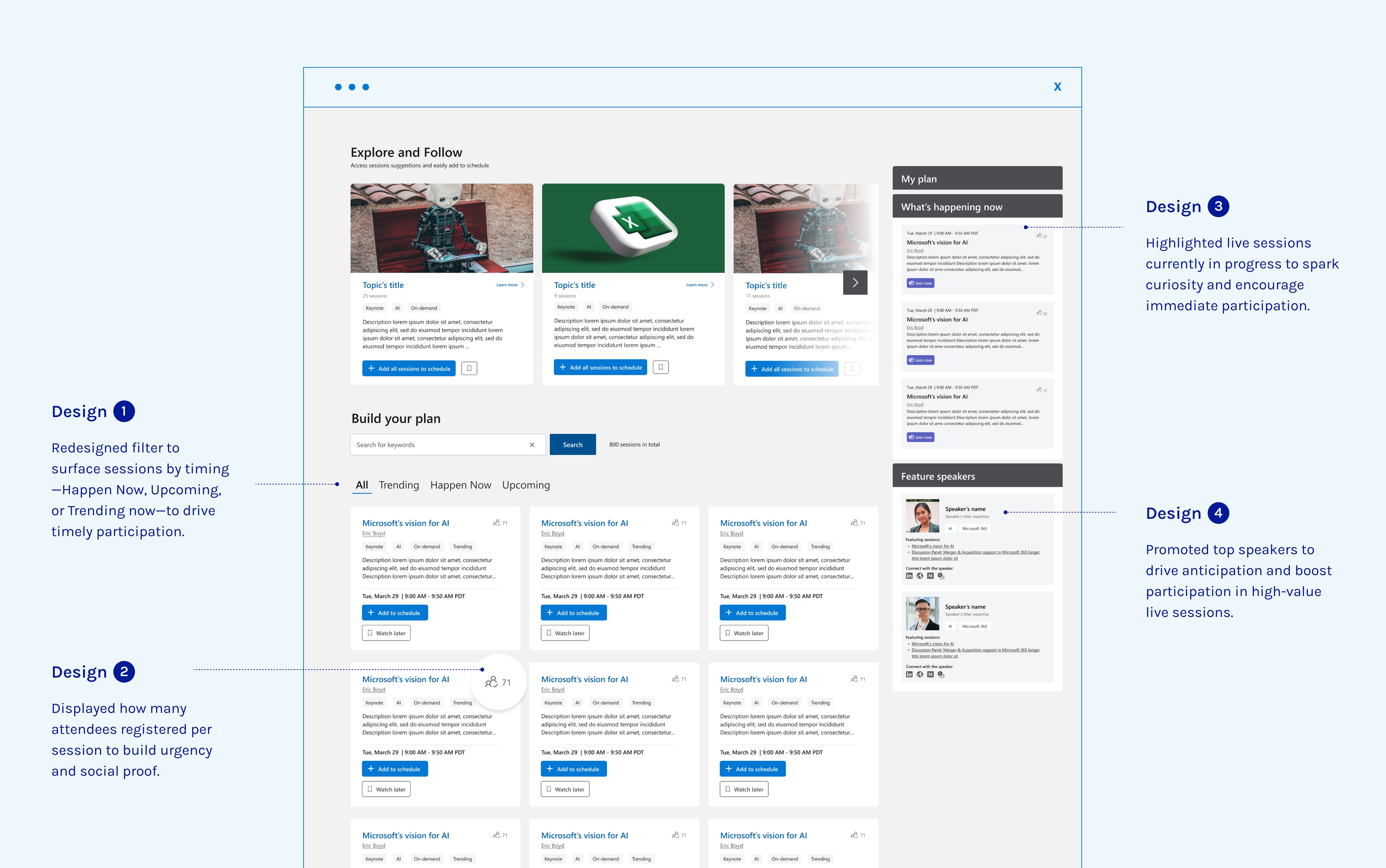
💡 Smart suggestions for effortless planning
Instead of simply giving users tools to search or filter sessions, I aimed to proactively guide them to relevant content—making it easier to build a schedule without the hassle.
💡 FOMO triggers to drive real-time engagement
Watching later is great, but without a reason to show up live, engagement drops. I needed to create a sense of urgency and show users what they might be missing.
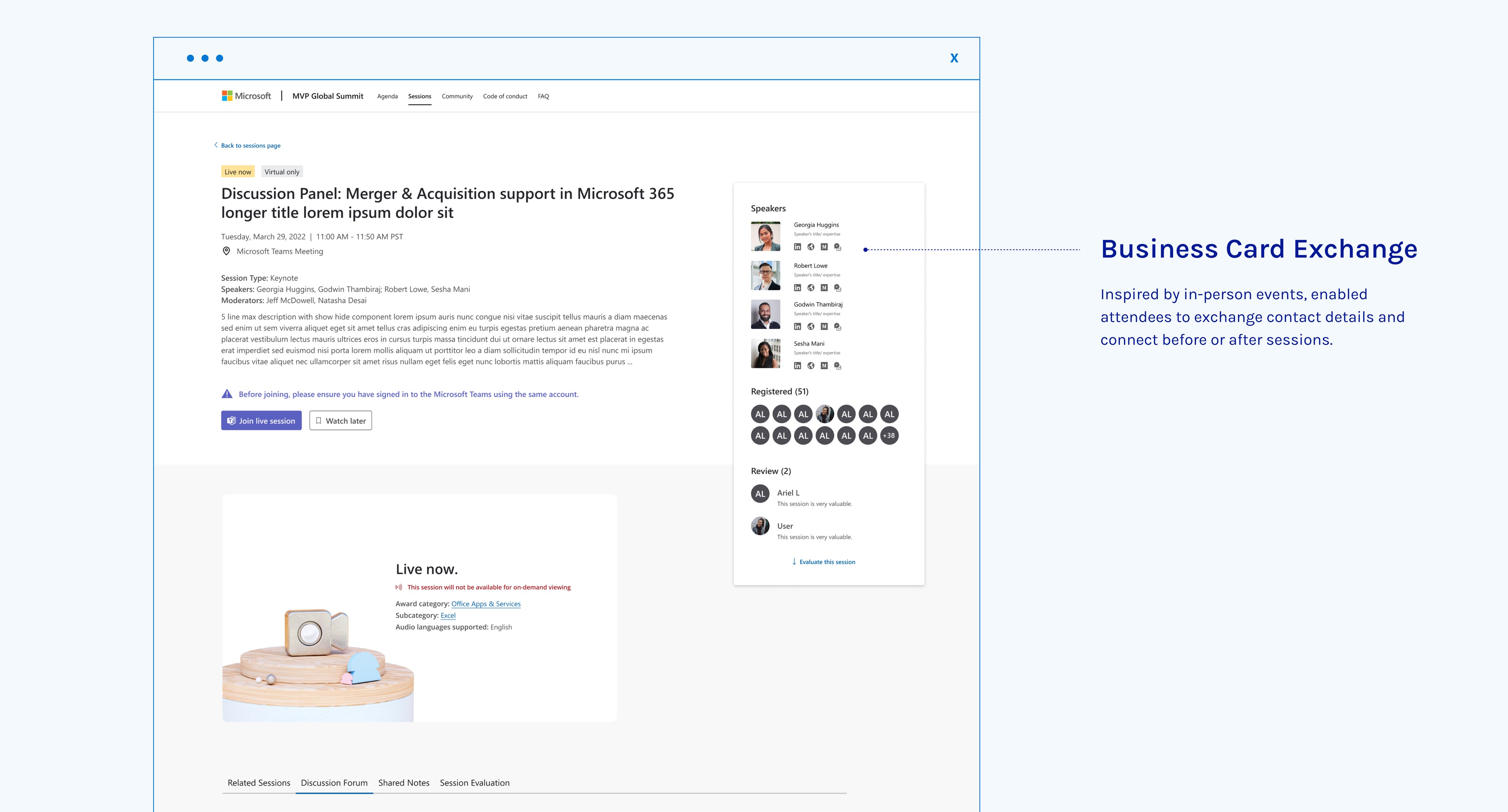
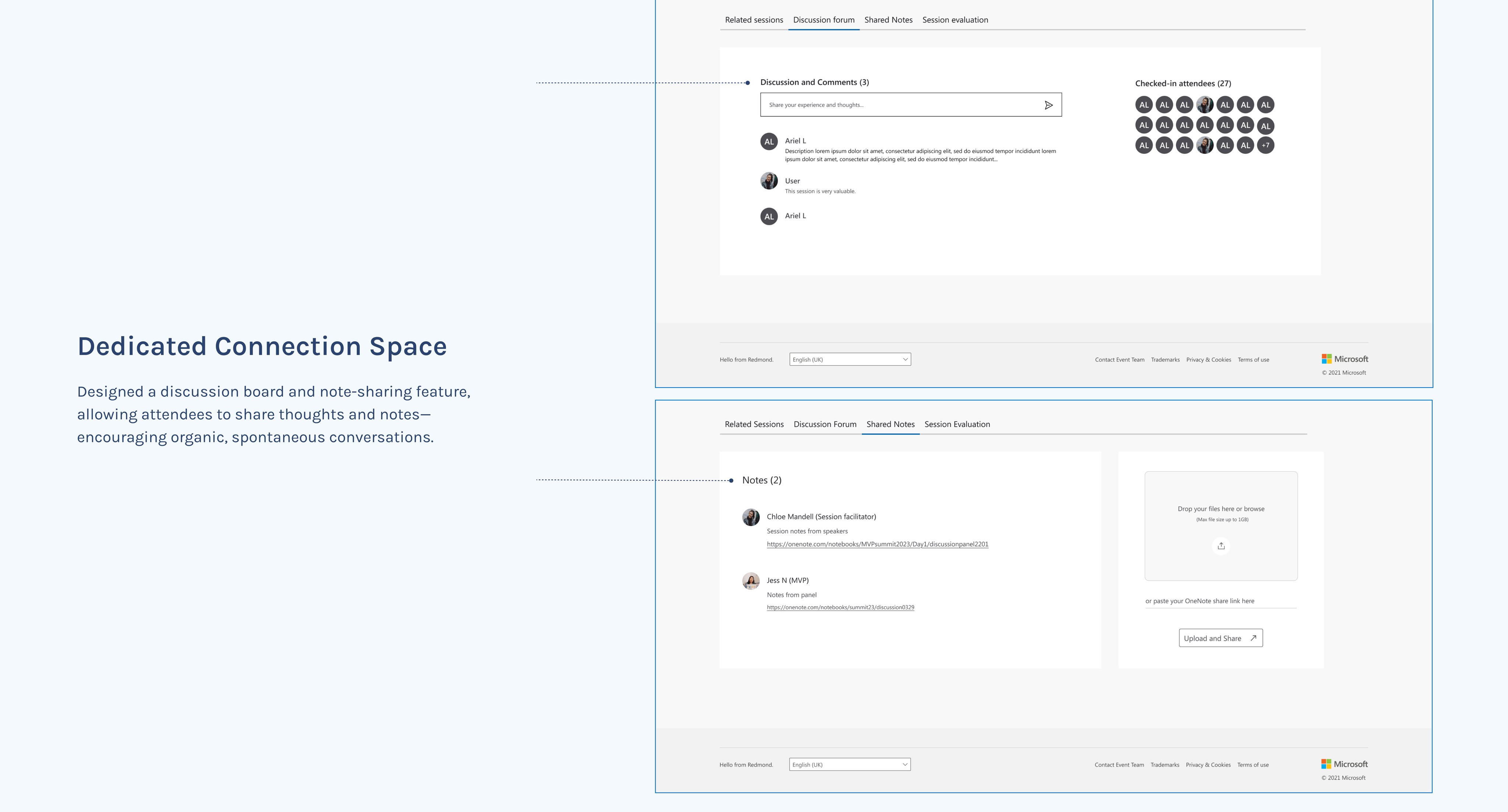
💡 Dedicated spaces for casual conversations
Forced breakout rooms can be awkward. Instead, I focused on integrating social engagement naturally into the event experience.
Iterate
The trade-offs we made.
Design is about balancing vision and execution. While our original ideas tackled major pain points, technical constraints and shifting priorities meant we had to rethink what was feasible—without losing sight of the goal.
1. The Big Idea That Had to Wait
Bundling sessions by topic? Everyone agreed it was valuable. But with limited time and no bandwidth from the content marketing team to curate sessions, it had to be placed on the roadmap for next year.
2. Rethinking the Approach – How I Adapted
✅ “Add All” Button – Filters helped users narrow sessions down, but they still had to manually add each one. I redesigned this flow with a one-click “Add All” option, making scheduling instant.
✅ “Follow a Friend’s Schedule” – After discussions with the event manager, I realized many attendees were joining in teams or with colleagues. Instead of everyone manually adding sessions, they could now search for a coworker and instantly copy their schedule.
✅ Note sharing link – Note sharing between attendees was well-received by stakeholders, but we couldn’t build it this year. I adapted it into a lightweight solution: a link for facilitators and speakers to share notes—helping those who missed sessions stay in the loop.
✅ Location-Based Filters – With in-person participation growing, attendees needed better clarity. I replaced date-based filters with location-based filters (All, In-Person, Online), ensuring users knew exactly where to be.
Learnings
Vision-to-execution balance
Successfully rolling out two new features, including the highly-used 'Add All' button, and achieving a 95% satisfaction rate for the MVP Summit 2023 was a rewarding outcome.
“Cool.. this is ambitious.”
——— Teams
This project gave me an important lesson as a designer—that great ideas don’t always make it to the finish line, and that’s okay. At first, it was frustrating to see exciting concepts put on hold due to constraints beyond my control. But I realized that being a designer isn’t just about pushing for the perfect solution—it’s about adapting, prioritizing, and finding the best path forward for the moment.
Instead of seeing limitations as roadblocks, I learned to treat them as creative challenges. What can we achieve with what we have? How do we still create impact, even when the scope shifts? This mindset shift helped me move forward—not by giving up on the vision, but by reshaping it in a way that was still meaningful and effective.